Gemini Omni Flash Video Generator for omni video drafts
Use Omni Video Flash to create Gemini Omni Flash style video ideas from prompts and images. Draft ads, product shots, social clips, and storyboards with a fast omni flash video generator workflow.
A visual workspace for Gemini Omni Flash video ideas
Try different scenes, compare motion styles, and shape your idea before spending time on full video production.
Launch ads
Test product angles, hooks, and motion styles before making a final ad.
Social clips
Draft short video ideas for TikTok, YouTube Shorts, Reels, and X.
Product demos
Turn a static product idea into a moving concept for your landing page.
Storyboards
Preview scenes, camera movement, and mood before production.
Style
Cinematic
Length
6 sec
Output
Draft
Preview 1
Text-to-video simulation
Generated direction
A cinematic product reveal of a sleek electric bike on a wet city street at night, neon reflections, slow push-in, premium ad style.
Camera
Slow push
Mood
Premium
Status
Ready
Built for fast Gemini Omni Flash video creation
A focused omni AI workspace for turning text prompts, images, and visual ideas into Gemini Omni Flash style video drafts.
Start with a prompt, image, or rough idea
These example cards show common ways creators use Omni Video Flash to explore AI video concepts.
Text prompt
Prompt to video
Prompt: "A premium smartwatch rotating on a black reflective surface, slow push-in, soft studio light."
Good for product clipsReference image
Image animation
Upload a still image and add camera movement, subject motion, and environmental detail.
Supports visual referencesPrompt editing
Iterate with directions
Refine with instructions like: "Make it more cinematic, add dusk lighting, and slow the camera."
Built for iterationStyle exploration
Visual style testing
Explore different moods, camera treatments, and art directions before committing to production.
Useful for storyboardsSee what your first video draft could become
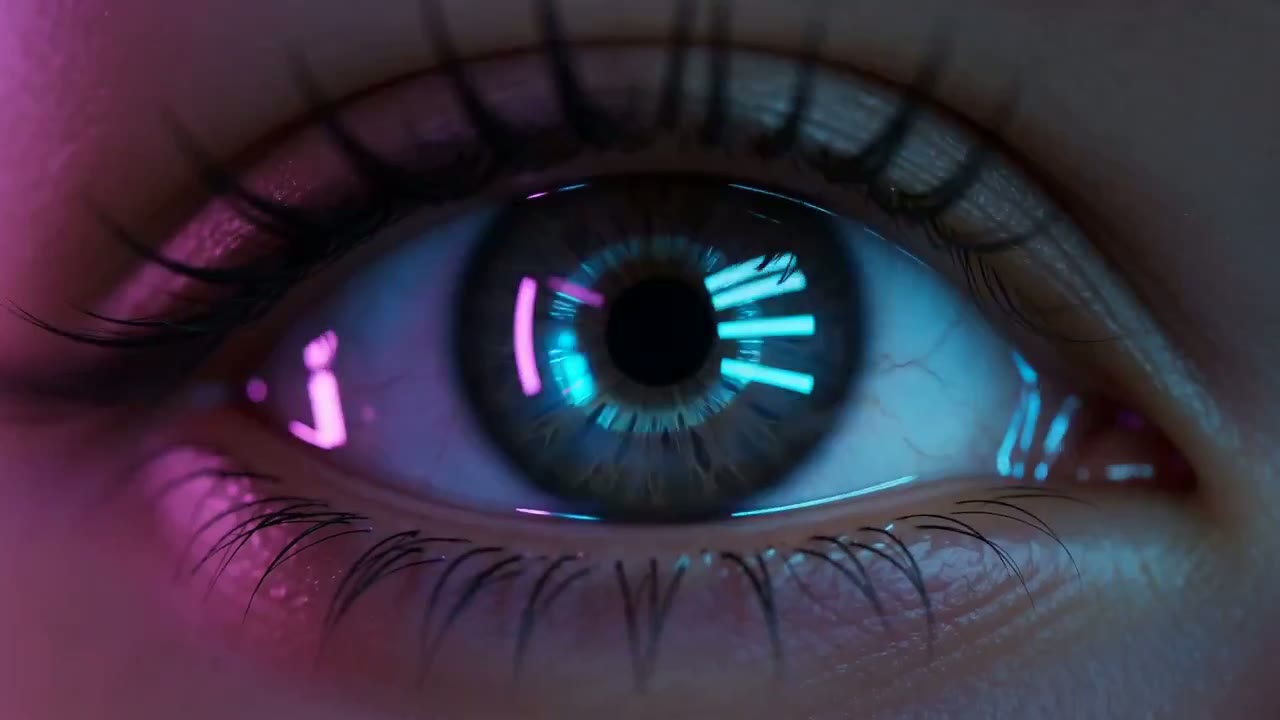
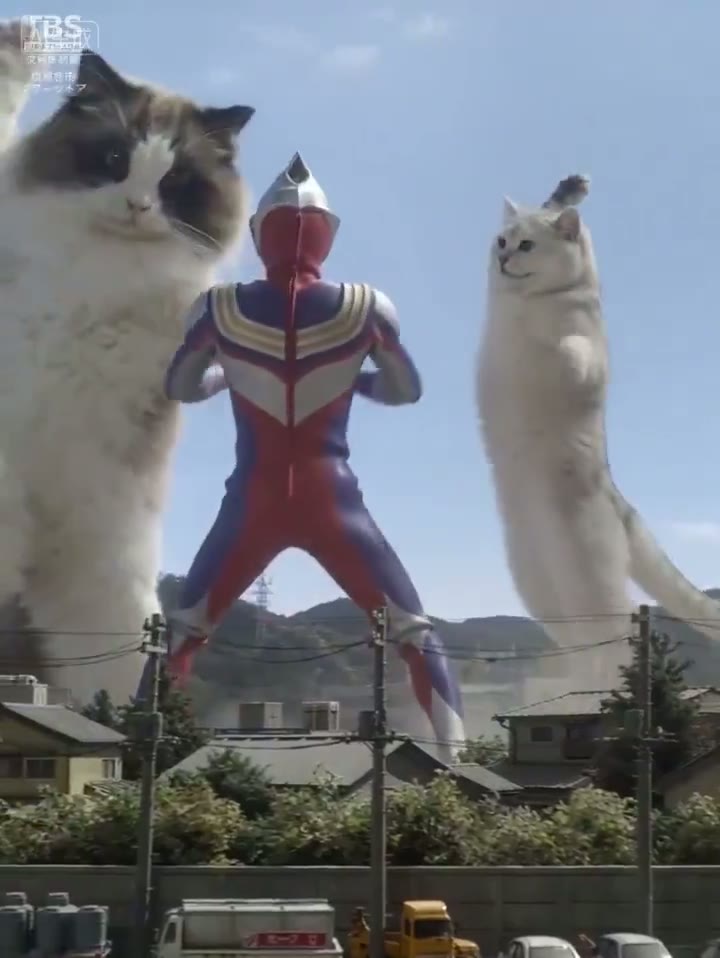
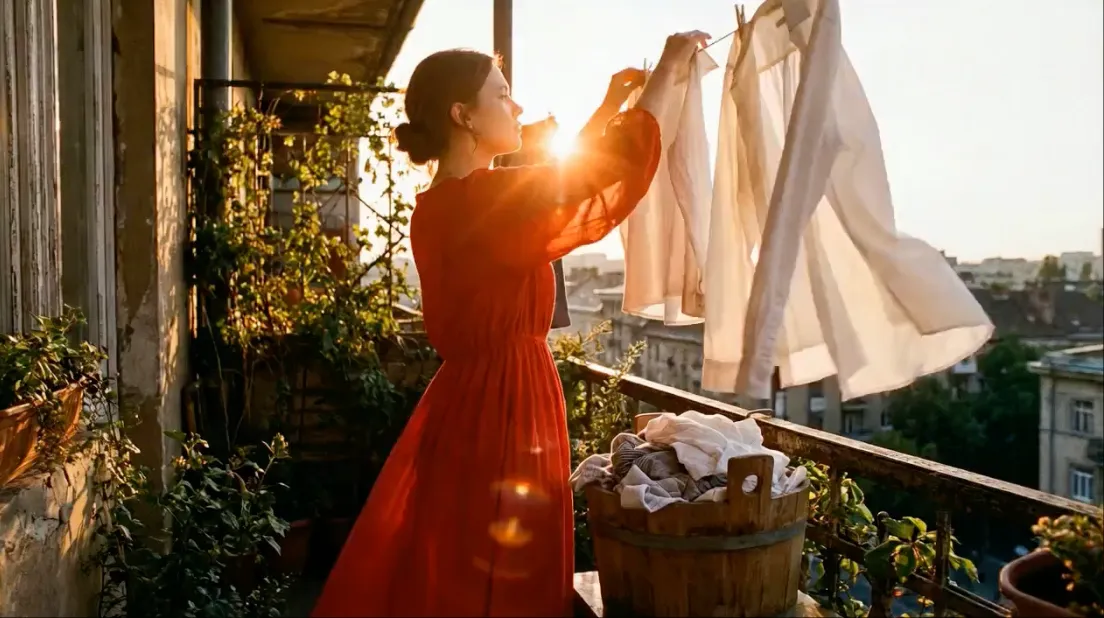
Use these visual examples to imagine the kind of short-form video concepts you can create: product ads, lifestyle clips, scene tests, character shots, and social-first video drafts.
Best for
Ads
Best for
Product shots
Best for
Social clips
Best for
Storyboards
A simple AI video creation flow
Use Omni Video Flash as an independent Gemini Omni Flash video generator for fast drafts and visual experiments.
FAQ
Generate your next AI video draft
Start with a prompt, add a reference, and explore video directions for your next campaign, product idea, or creative project.